On this page
Update: Let’s work together and capture data on what memory modules work, and which don’t, on the DS1515+ and other Synology NAS models!
As noted in a previous post, a new Synology DS1515+ NAS landed here the other week. It’s a very nice products in most respects, but a couple of rather annoying details bring the overall impression down – more on that in a later post.
The DS1515+ ships with 2 GB of RAM, with an extra, empty memory slot available for memory upgrades. 2 GB is really on the low side if you intend to run additional applications on the NAS. CrashPlan for example is built on Java, which is pretty resource hungry to begin with, then the memory consumption goes up with the number of files backed up.
Synology specs tells us that a 4 GB SO-DIMM can be added, for a total of 6 GB. Stories from the Synology forum however indicate that it is quite possible to replace both the internal (some disassembly required, probably voiding warranty..) and user accessible RAM modules, for a total of 16 GB RAM.
With a bunch of different SO-DIMM modules in the drawers here, let’s test them to see which ones can be used with the DS1515+ and which ones cannot.
The tests below are done on a DS1515+ unit, I don’t know whether it also applies to the DS415+ model, which uses the same CPU as the DS1515+.
According to Synology specs, the DS1815+ and DS1515+ should use a “DDR3-1600 unbuffered So-DIMM 204pin CL=11 1.5V” , but does not list any memory for the DS415+ (probably because there is no user replaceable memory in that model).
RAM modules working with the factory standard RAM
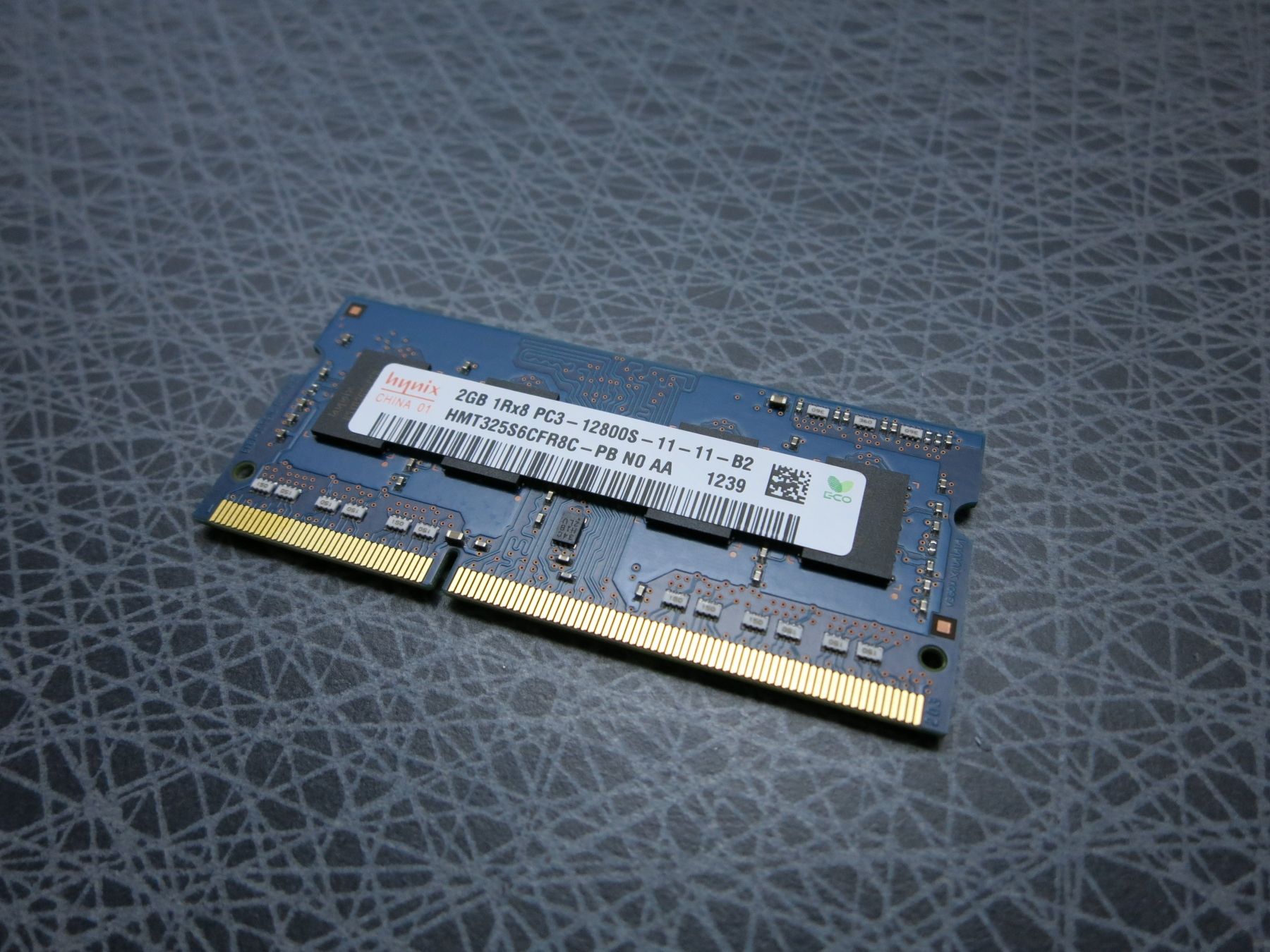
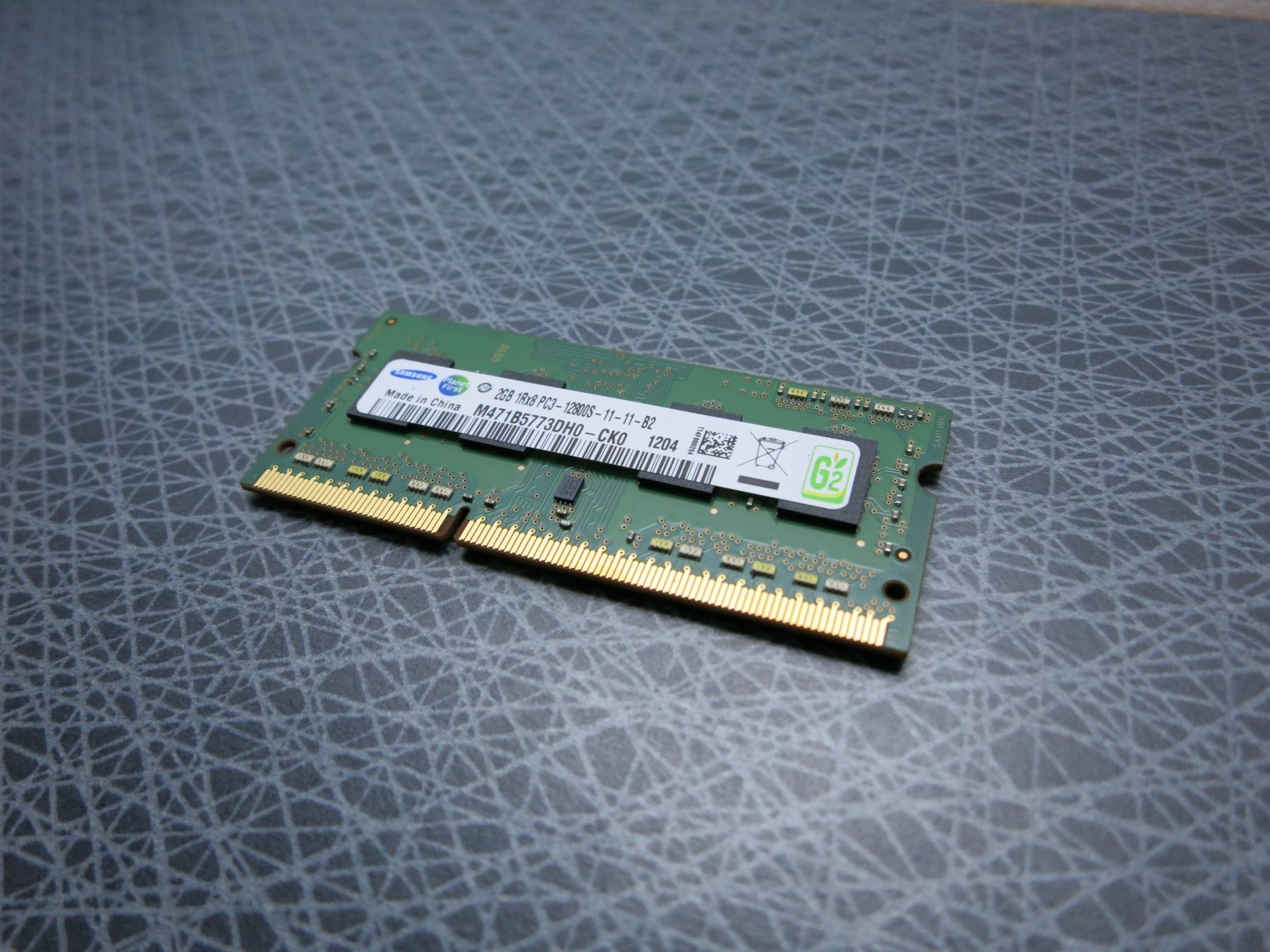
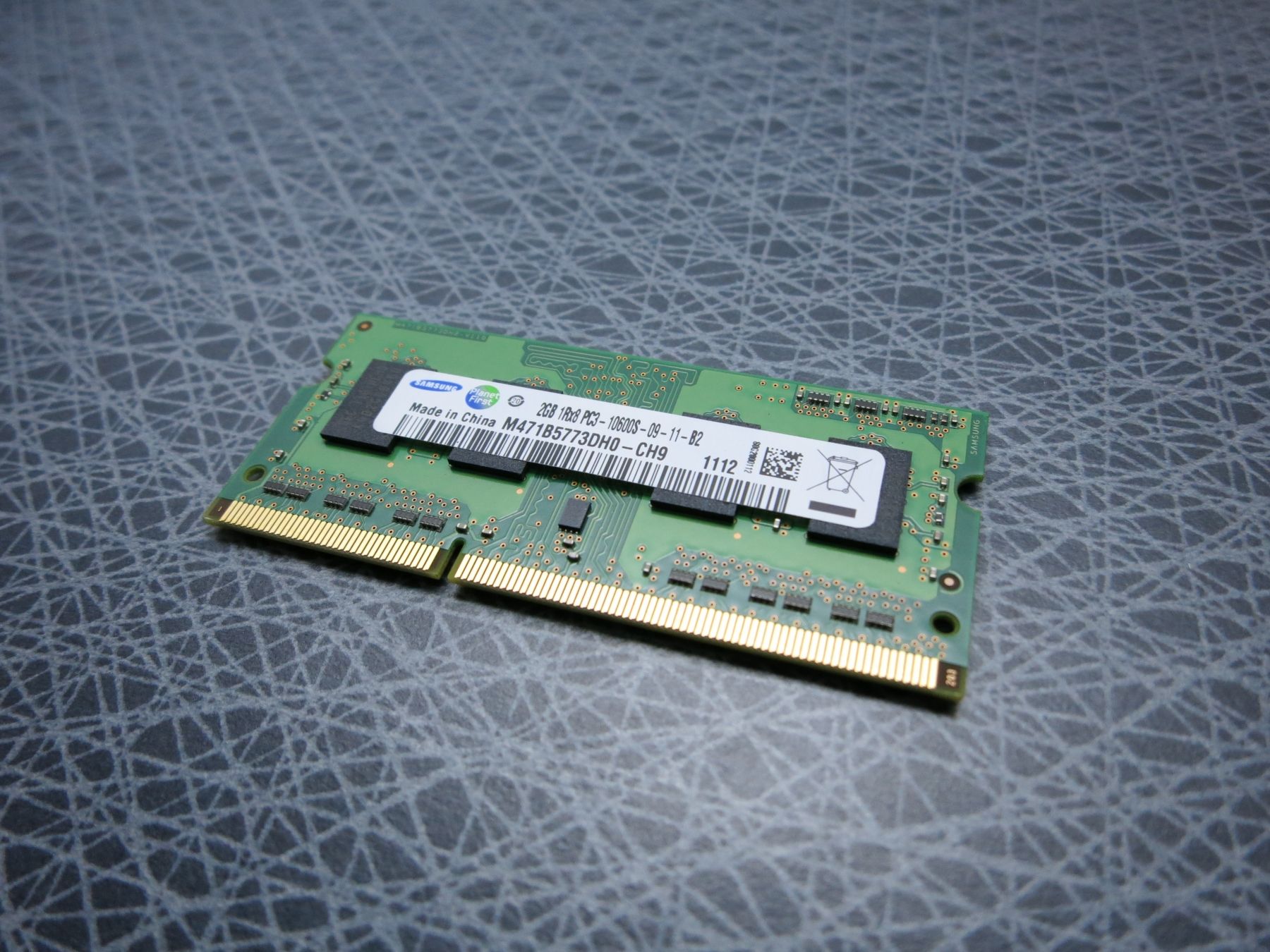
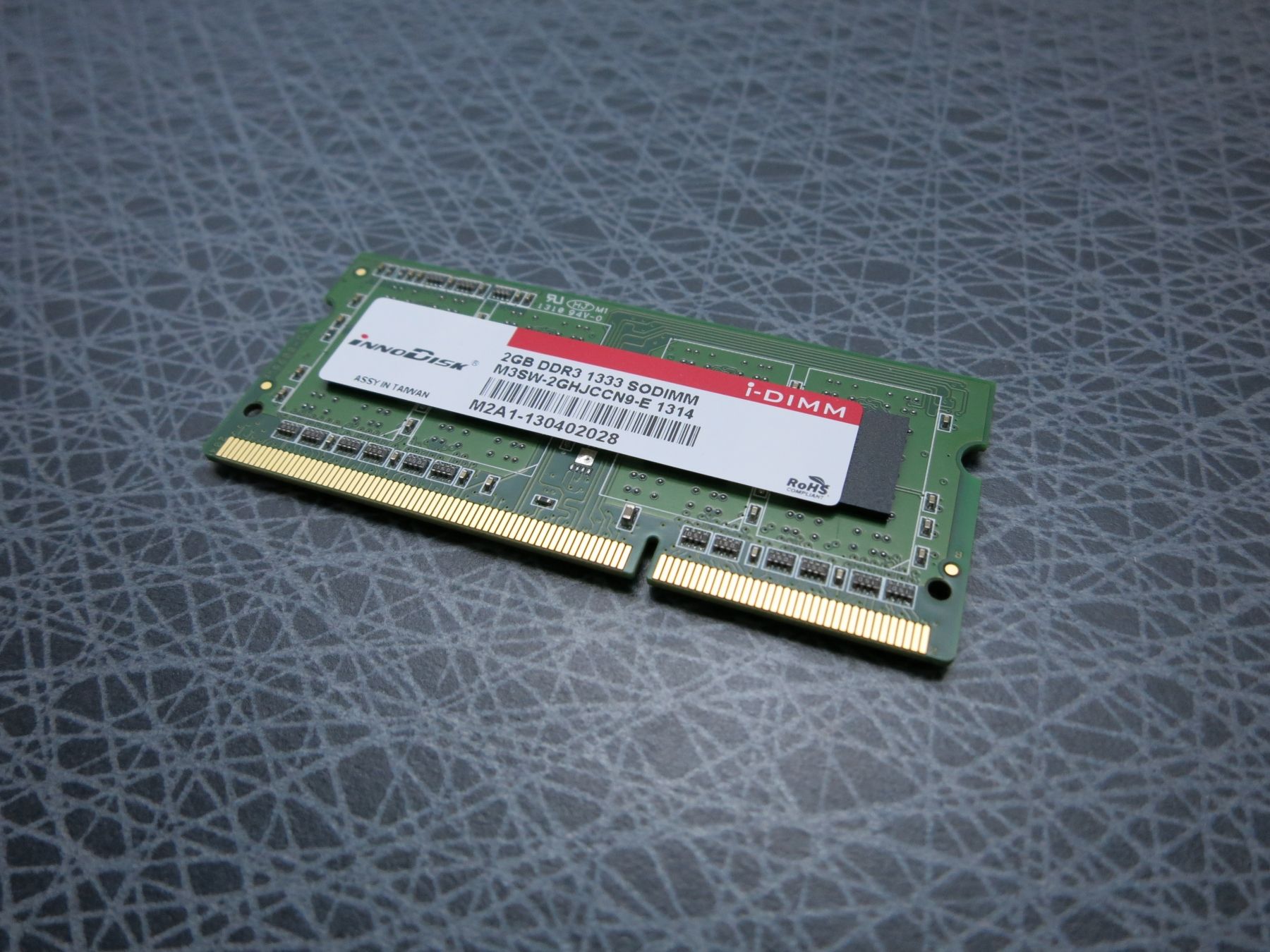
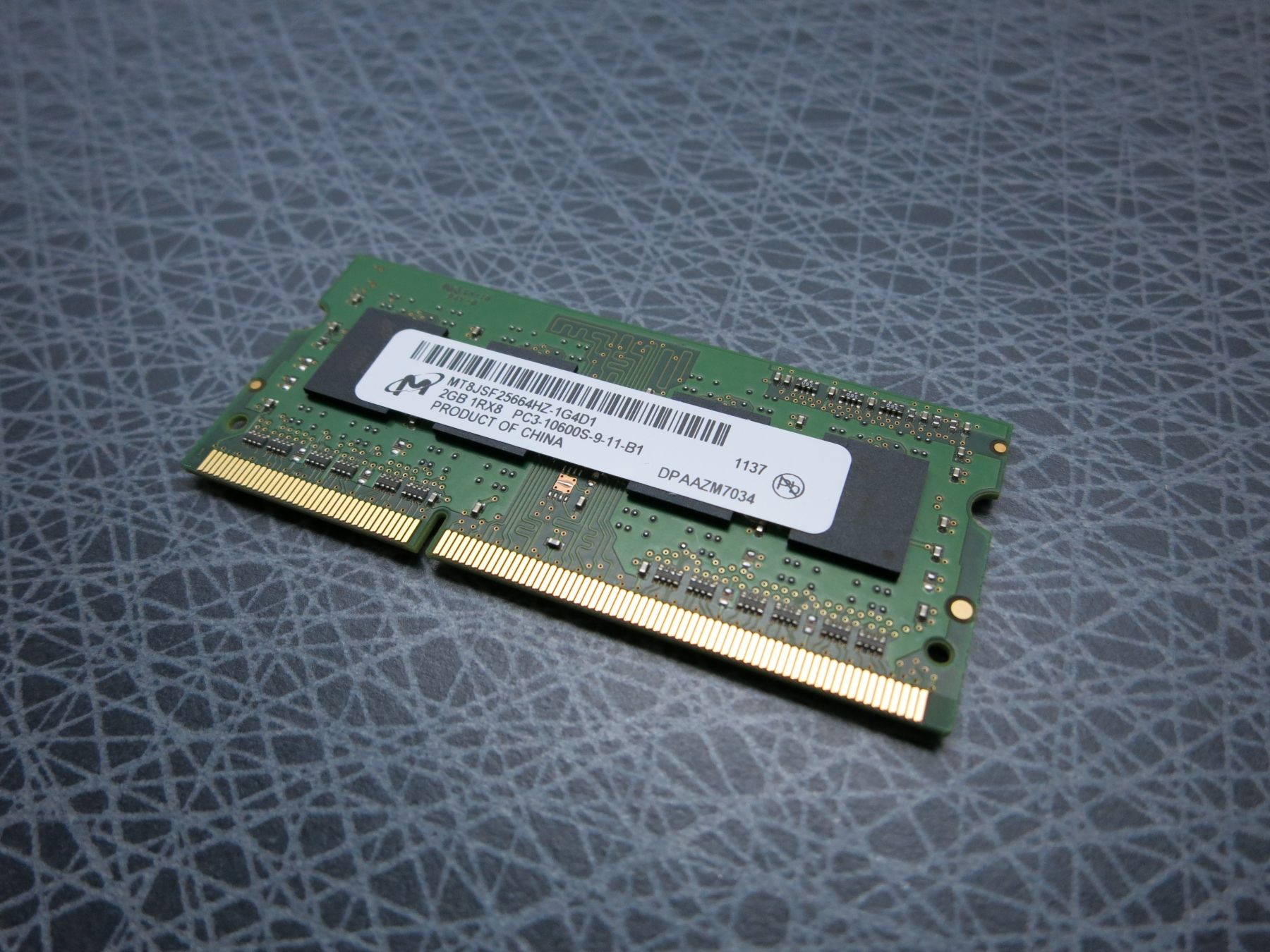
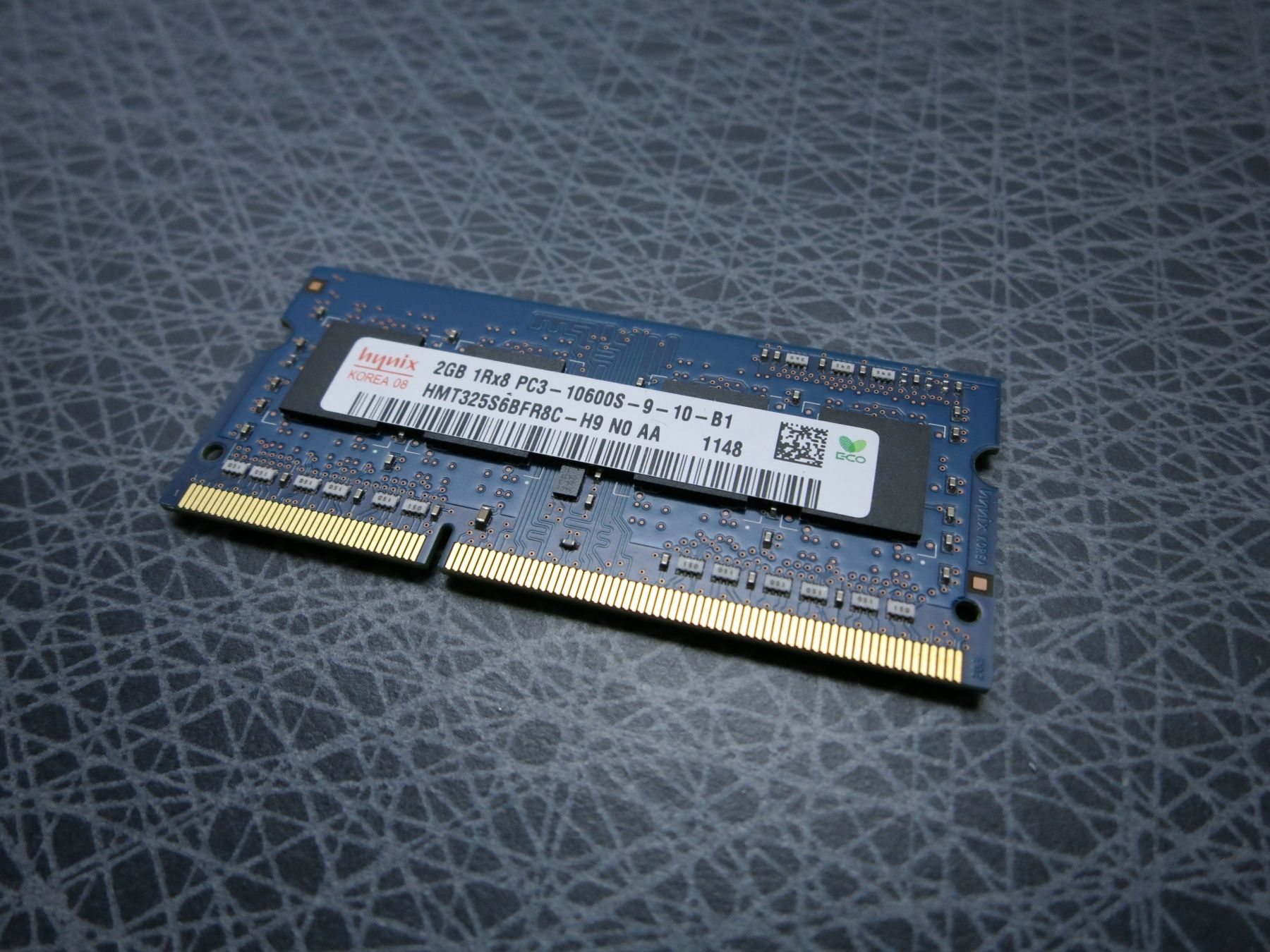
RAM modules NOT working with the factory standard RAM
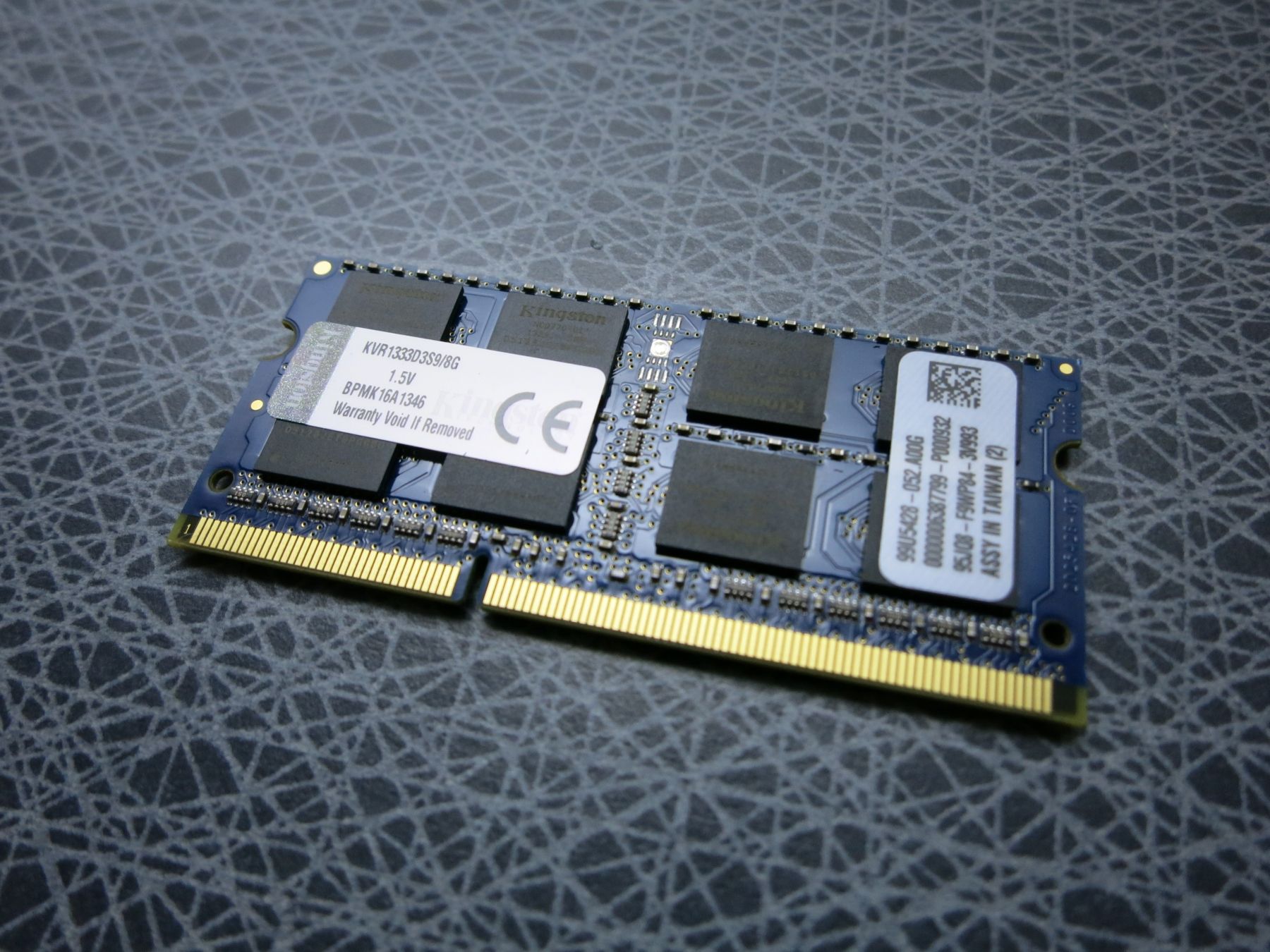
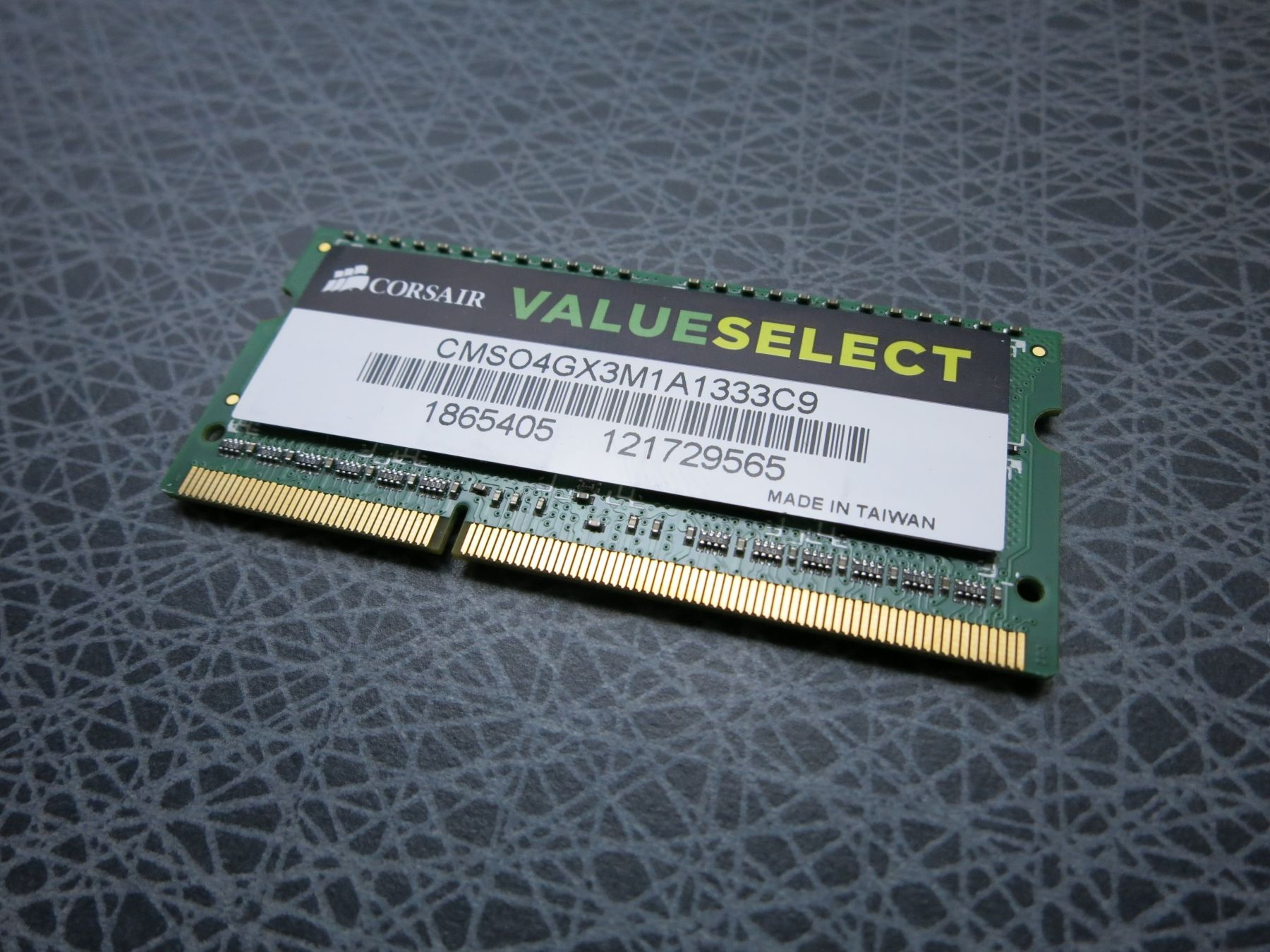
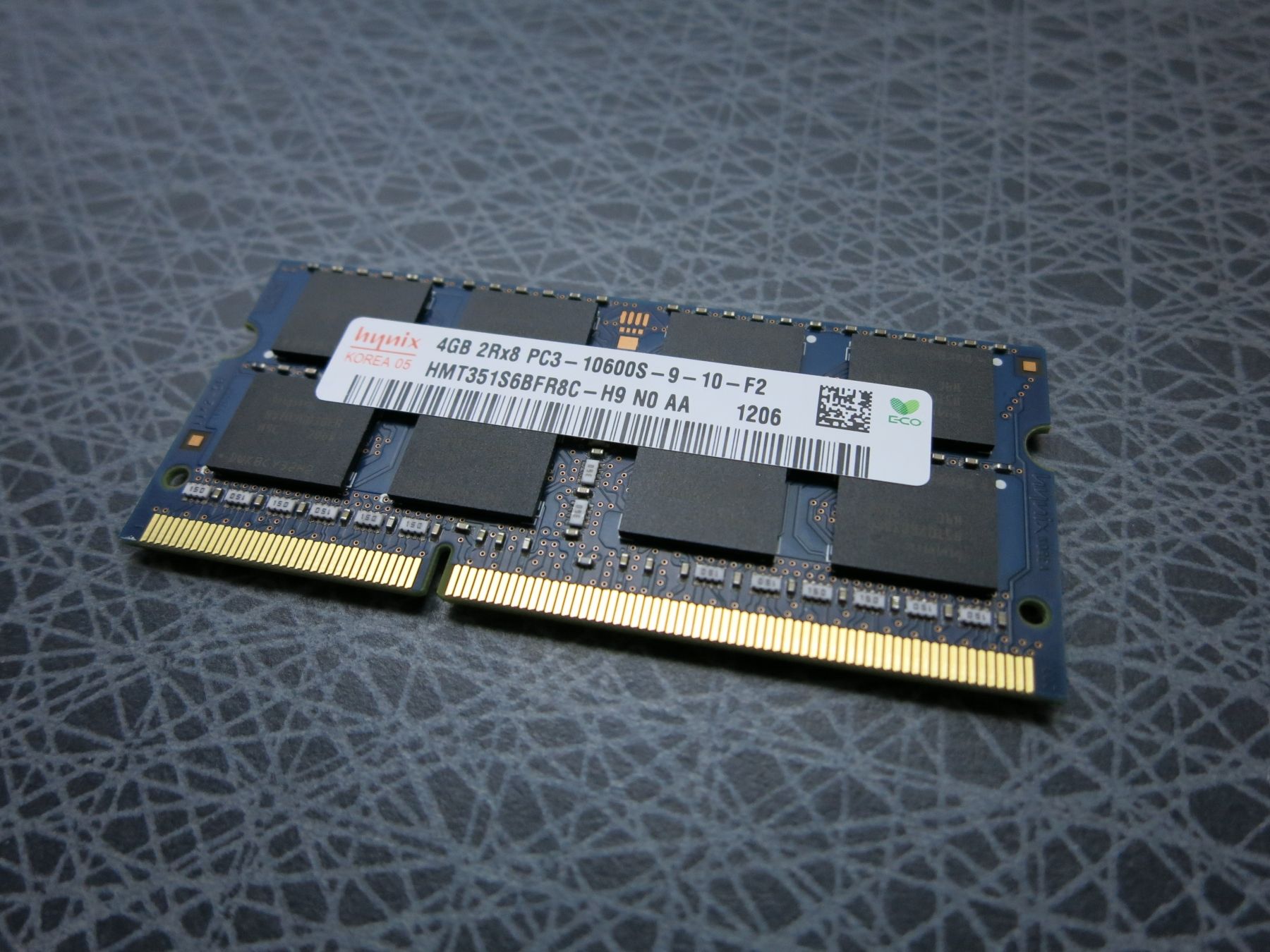
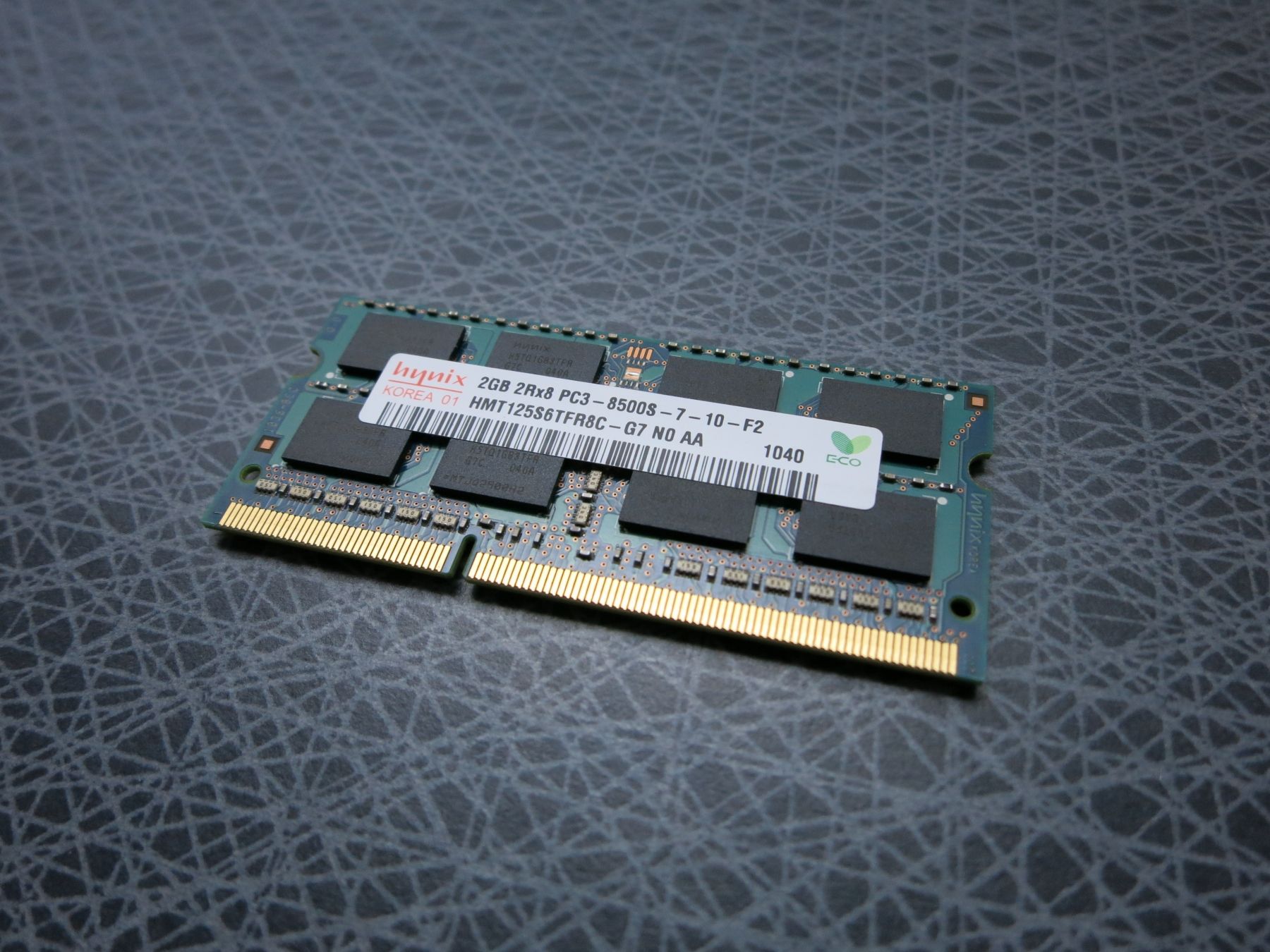
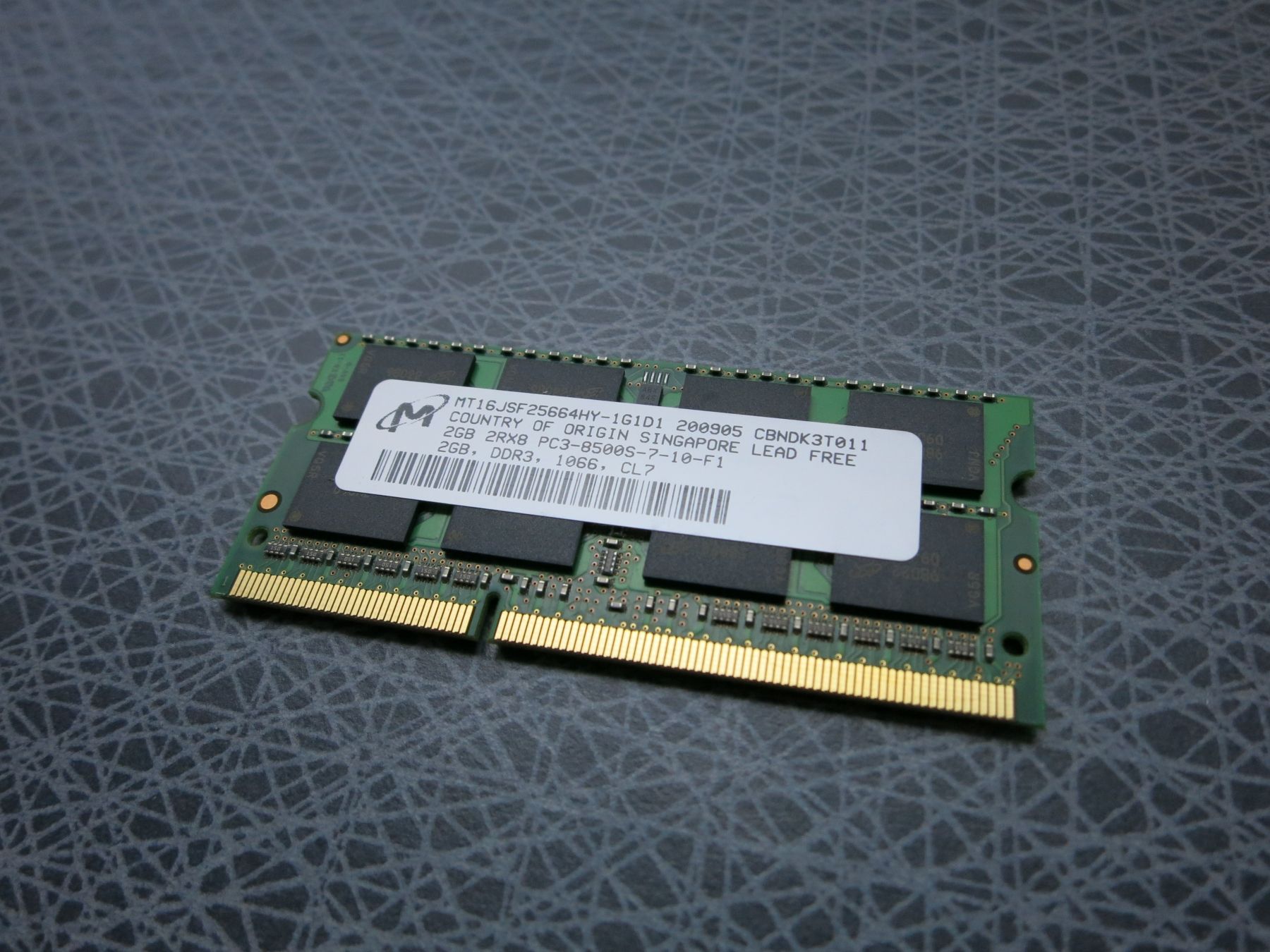
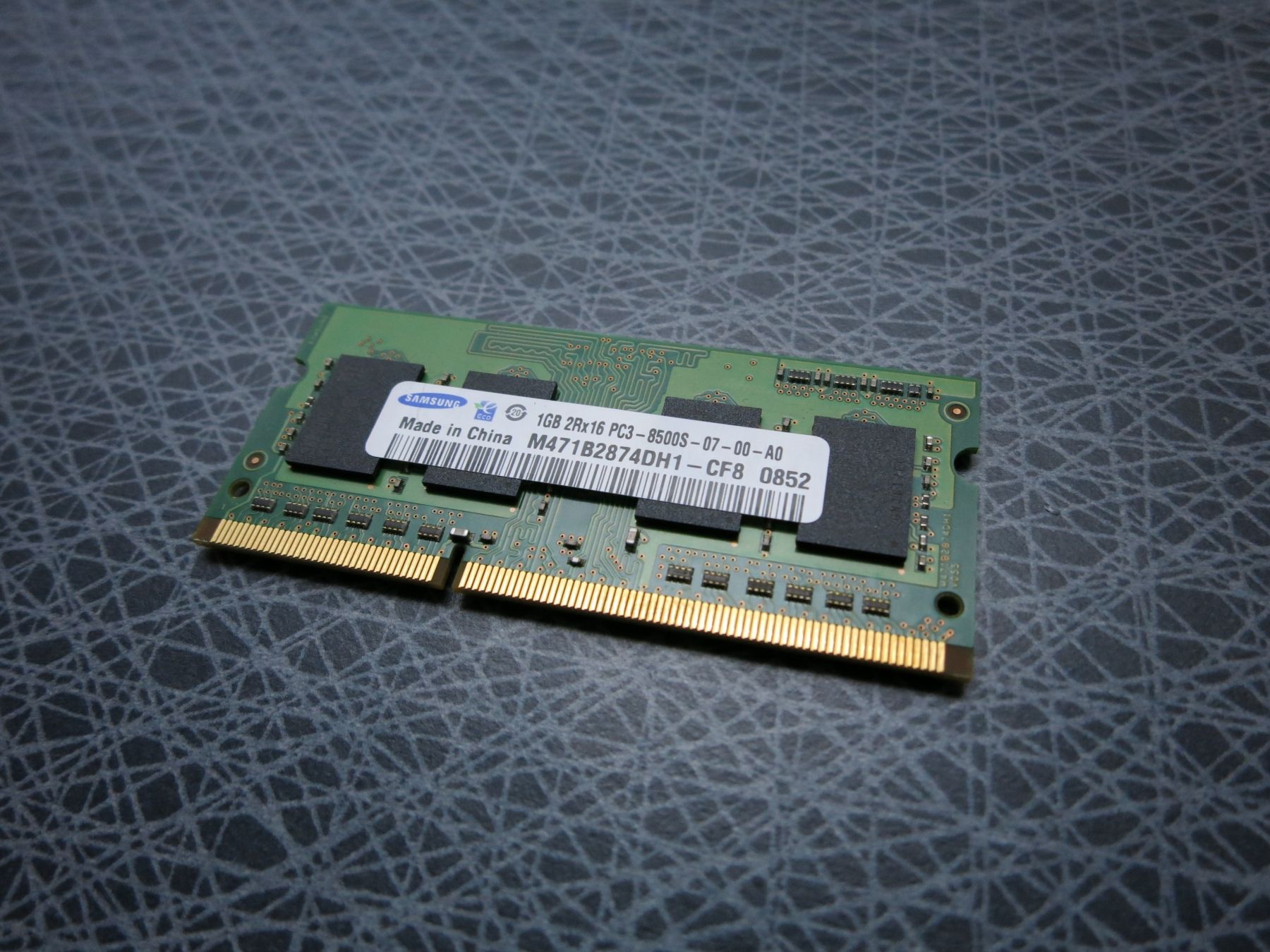
The details – RAM modules for the Synology DS1515+
A complete list of the tested RAM modules is found here.
Return to sender
When ordering the DS1515+ I also got a set of 2x8G Corsair modules, problem is that they are 1.35 V, while Synology says the memory has to be 1.5V. On the other hand, people on the Synology forum has reported success with 1.35V modules – not clear what works and what does not. I am sending these back, exchanging them for a set of 1.5V modules instead. Should hopefully work.
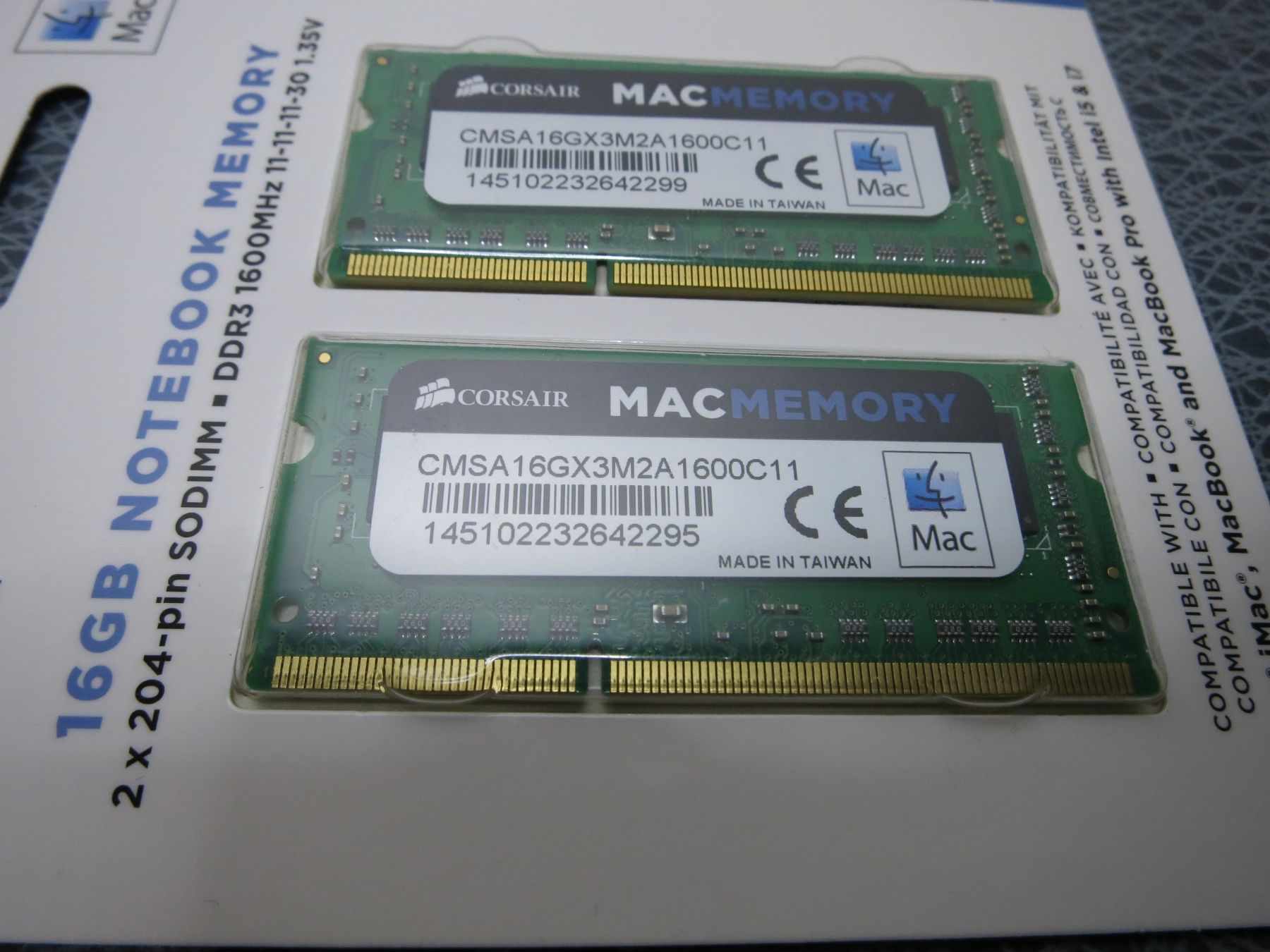
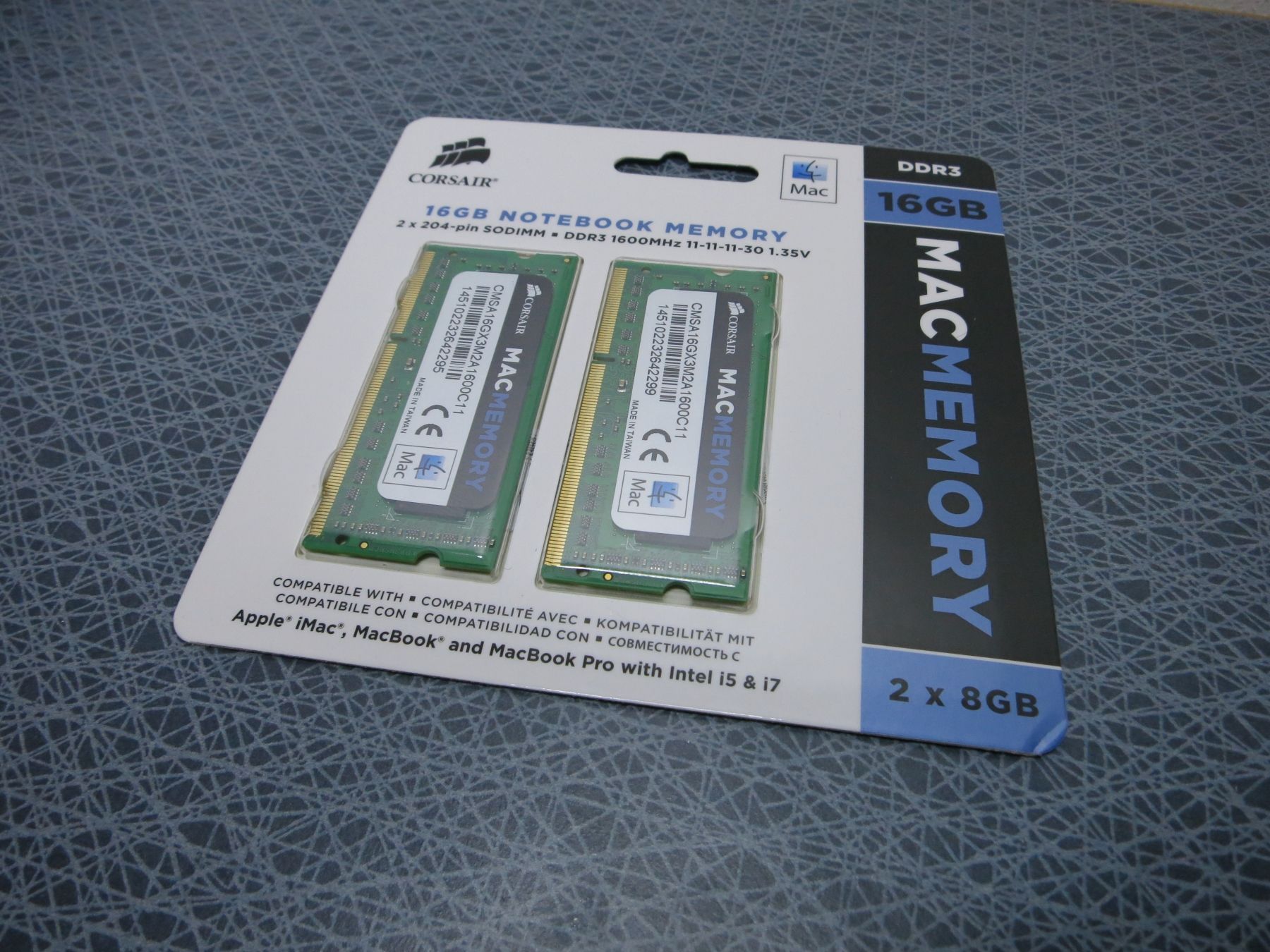
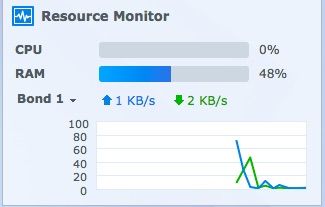
For now one of the 2GB modules shown above is used in the NAS, bringing total memory to 4GB, of which ca half is used right now, according to the NAS resource monitor. The plan is to add a couple of apps that will require a fair amount of memory, so an upgrade is needed.